
Download To Do List – task management, to do list, productivity app, organize tasks, daily planner, android app, free to download, no ads, no in-app purchases, no data collection
Overview
To Do List is a free Android application designed to help users manage their daily tasks efficiently. Built with simplicity and functionality in mind, the app serves as a digital daily planner for individuals seeking a streamlined way to organize personal and professional responsibilities. It is particularly suited for users who value clean design, minimal distractions, and reliable task tracking.
The app supports task grouping, allowing users to categorize items by project, priority, or context for easier management. With built-in widgets, users can view upcoming tasks directly from their home screen, enabling quick access without opening the app. The software also offers smart notifications that alert users at appropriate times, helping maintain focus and accountability.
Integration with Google ensures synchronization across devices, enhancing continuity for users who switch between multiple platforms. Task sharing capabilities allow seamless collaboration by enabling users to send tasks to other apps or receive shared data. The developer, SplenDO, has positioned the app as a privacy-conscious solution, emphasizing that no data is collected.
The app is ideal for students, remote workers, and busy professionals who need a dependable, no-frills tool for staying on track.
Key Features & Capabilities
- Task Grouping: Users can organize tasks into custom groups, making it easier to manage projects, errands, or recurring responsibilities. This feature supports efficient workflow by reducing clutter and improving focus.
- Home Screen Widgets: Interactive widgets display active tasks in real time, providing immediate visibility without launching the app. This enhances usability for users who rely on quick task checks.
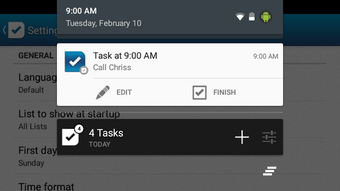
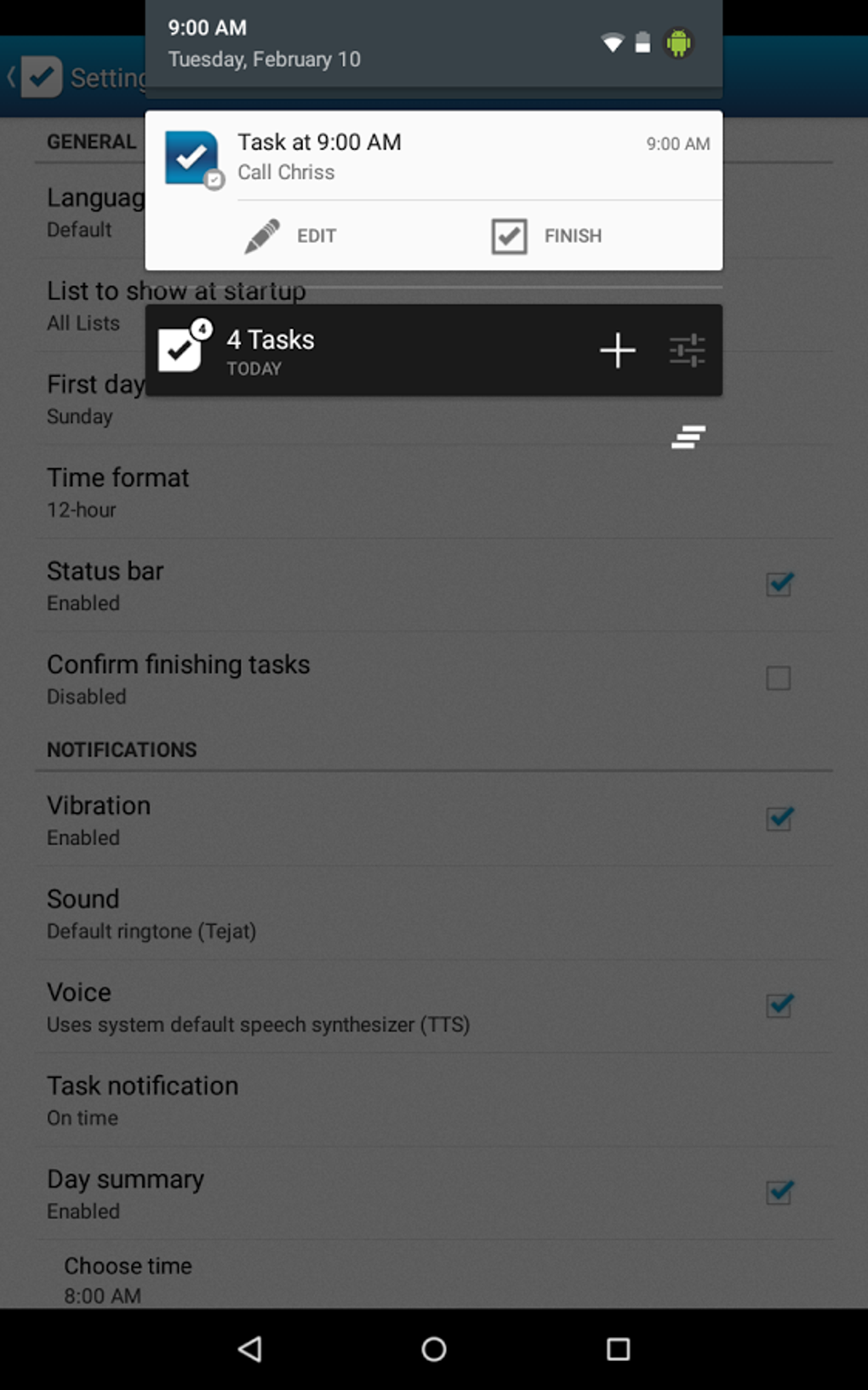
- Smart Notifications: The app delivers timely alerts based on user-defined schedules, helping prevent missed deadlines and promoting consistent task completion.
- Google Sync: Task data is synchronized with Google services, ensuring continuity across devices and reducing the risk of data loss.
- Task Sharing: Users can share tasks with other applications or receive shared tasks, enabling collaboration and integration with external workflows.
- Custom Configuration Options: A range of settings allows users to personalize the interface and behavior, such as notification preferences, task display, and reminder intervals.
- Privacy-First Design: The app operates without collecting user data, aligning with privacy-focused usage patterns and ensuring no third-party access to task information.
These features collectively support a seamless experience for managing daily responsibilities. For example, a student can group assignments by subject, set smart reminders before due dates, and use widgets to monitor upcoming deadlines. A remote worker might use task sharing to forward meeting notes to a calendar app or assign tasks to team members via linked tools. The combination of organization, accessibility, and privacy makes To Do List a practical choice for users seeking a reliable productivity solution on Android.
User Interface, Workflow & Performance
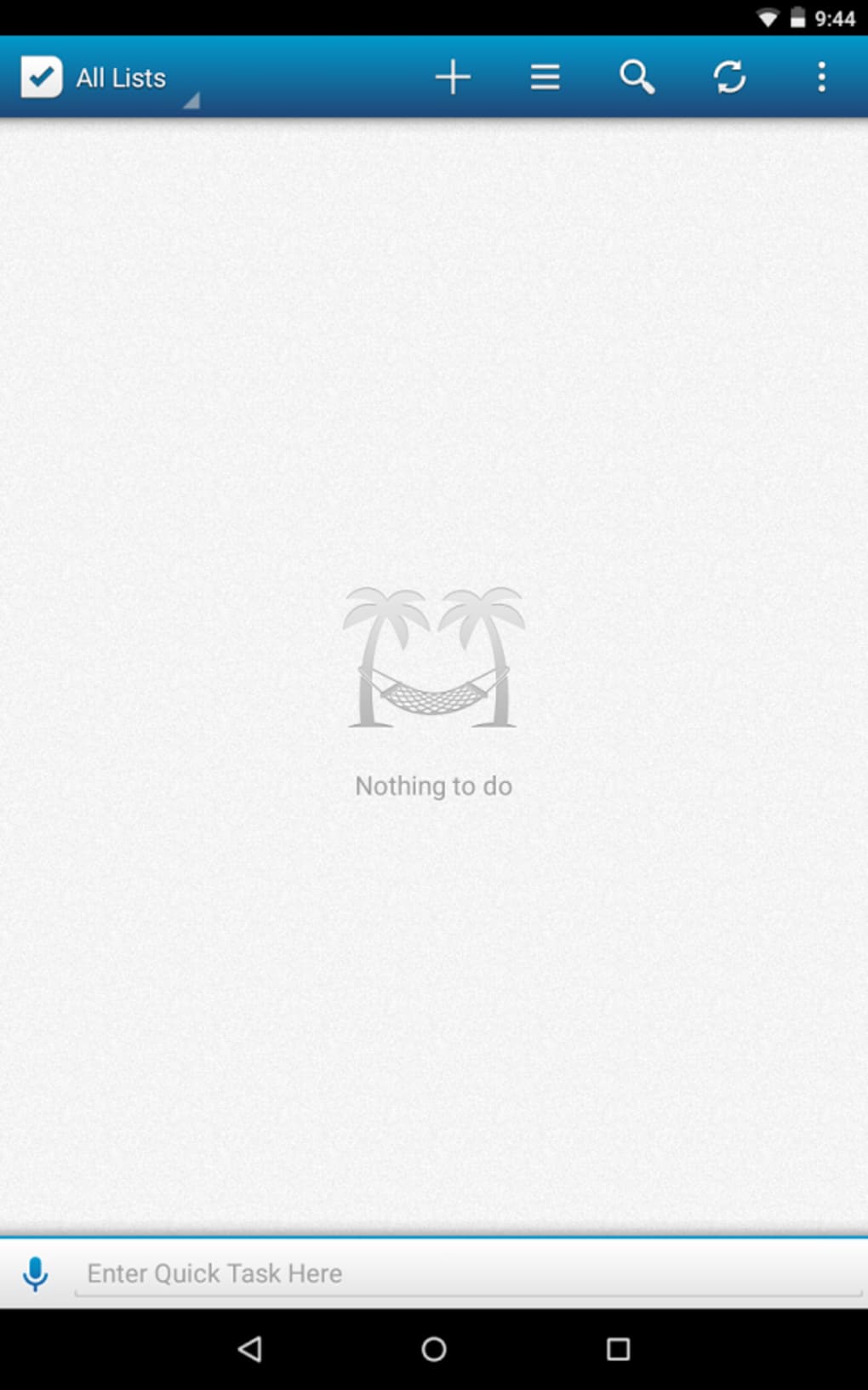
The user interface of To Do List is described as simple, clean, and user-friendly, emphasizing ease of navigation and intuitive design. The layout appears optimized for touch-based interaction, with clearly labeled sections and minimal visual clutter. Users can expect a straightforward workflow: creating a task, assigning it to a group, setting a reminder, and viewing it through the widget or main dashboard.
Navigation is likely structured around a central task list with access to settings and groups via a sidebar or bottom navigation bar. The app’s performance is not explicitly detailed by the developer, but based on general Android application behavior, it is expected to operate smoothly on modern devices. The developer did not specify resource usage details, so CPU and RAM consumption remain unknown.
Stability is assumed to be consistent with standard Android app standards, though no user-reported issues or crash data were provided. The absence of ads and in-app purchases suggests a streamlined experience without interruptions. Overall, the interface prioritizes functionality over visual complexity, making it accessible to users of all technical levels.
Performance observations are based on general software behavior patterns.
Compatibility & System Requirements
To Do List is designed for Android devices, with version 1.0.1 currently available. The application has a file size of 15.4 MB, indicating a lightweight footprint suitable for devices with limited storage. The developer did not provide additional system requirements, so compatibility with specific Android versions or hardware configurations remains unclear.
It is assumed that the app supports recent Android releases based on standard development practices, but exact compatibility details were not listed. Installation is straightforward, and the app is available through official Android channels. The developer did not specify whether the app supports tablets or foldable devices.
Users should verify compatibility with their device model and Android version before downloading. Exact system requirements were not listed, and no information was provided about hardware-specific dependencies.
Pros and Cons
Pros
- Completely free to download with no ads or in-app purchases
- Privacy-focused with no data collection
- Supports task grouping for better organization
- Includes home screen widgets for instant task visibility
- Offers smart notifications to improve task adherence
- Syncs with Google for cross-device continuity
- Allows task sharing with other apps and external data integration
- Lightweight at 15.4 MB, suitable for low-storage devices
Cons
- Exact system requirements were not specified
- Performance metrics such as CPU or RAM usage were not provided
- Only available for Android, with no information on other platforms
- Limited to Android ecosystem; no support for Windows, Mac, or web
- No user reviews or ratings were included in the provided information
FAQ Section
Is To Do List available for iOS or Windows?
The software is currently available only for Android devices. No information was provided about support for iOS, Windows, or other operating systems.
Is the app safe to use?
Based on the developer’s stated commitment to privacy, the app does not collect user data. It is free from ads and in-app purchases, which reduces potential security risks associated with third-party tracking or malicious content.
How often are updates released?
The latest version available is 1.0.1, released on July 1, 2024. The update frequency is not specified, and no information was provided about future release schedules.
Can I use To Do List offline?
The app supports offline functionality, as it includes local task storage and sync capabilities via Google. Tasks can be created and managed without an internet connection, with synchronization occurring when connectivity is restored.
What kind of license does To Do List have?
The app is distributed as free software with no licensing fees. It is available for personal and professional use without restrictions. No specific license type was mentioned in the provided details.
Final Thoughts + CTA
To Do List stands out as a focused, privacy-respecting tool for Android users seeking a reliable way to manage daily tasks. Its combination of task grouping, smart notifications, Google sync, and widget integration delivers a comprehensive yet lightweight experience. The absence of ads, in-app purchases, and data collection enhances trust and usability.
While platform limitations restrict access to Android only, and system requirements remain unspecified, the app’s core functionality is well-suited for individuals who value simplicity and security. It is particularly beneficial for students, freelancers, and professionals who need a distraction-free environment for task management. The clean interface and intuitive workflow ensure a smooth onboarding process.
For those looking for a free, secure, and effective productivity app on Android, To Do List offers a compelling solution. Download To Do List now.





.png)

